· 6 min read · Omkar Satpute and Milind Soni
How to run Claude Code and Codex side by side
Both agent CLIs want the whole terminal. Here is how to run Claude Code and Codex at once, in one window, with a model per task instead of one for everything.
Claude Code and Codex both assume they own the terminal, which is why running them together is awkward. OpenMausBot fixes it by treating each CLI as a bot in a chat app: one local harness spawns both, normalizes their protocols into a single event stream, and lets you assign a model per bot instead of picking one for everything. It is free, MIT licensed, and runs on the subscriptions you already have.
Why this is annoying today
If you pay for both Claude and Codex, you have probably noticed that using both is a chore. Each CLI is built as a full-screen, one-at-a-time session. Running two means two terminal tabs, two sets of context you hold in your head, and no way for one to hand work to the other.
So most people quietly pick a favourite and let the other subscription idle, even though the models are genuinely good at different things. Claude and Codex do not fail in the same places, and the practical value of holding both only shows up when you can put them on different jobs at the same time.
The approach: one bot per model
The fix is to stop treating an agent as a session you enter and start treating it as a contact you message. Each bot owns its own thread, its own model, and its own working context. You talk to whichever one the task suits, and they keep running when you switch away.
Underneath, a single harness on 127.0.0.1 owns every agent process. It spawns the CLIs already installed on your machine, and normalizes each provider's native protocol into one event stream — so the same approval card, the same transcript format, and the same controls work no matter which model is behind a given bot.
Setting it up
1. Install the CLIs you want
Bots run on claude, codex, and grok. Install whichever you have subscriptions for and log in the way you normally would. If they work in your terminal, they will work here — OpenMausBot uses the same binaries and the same logins.
2. Install OpenMausBot
Download the app for macOS, Windows, or Ubuntu. The harness ships inside it, so there is no separate server, daemon, or Docker step, and no account to create.
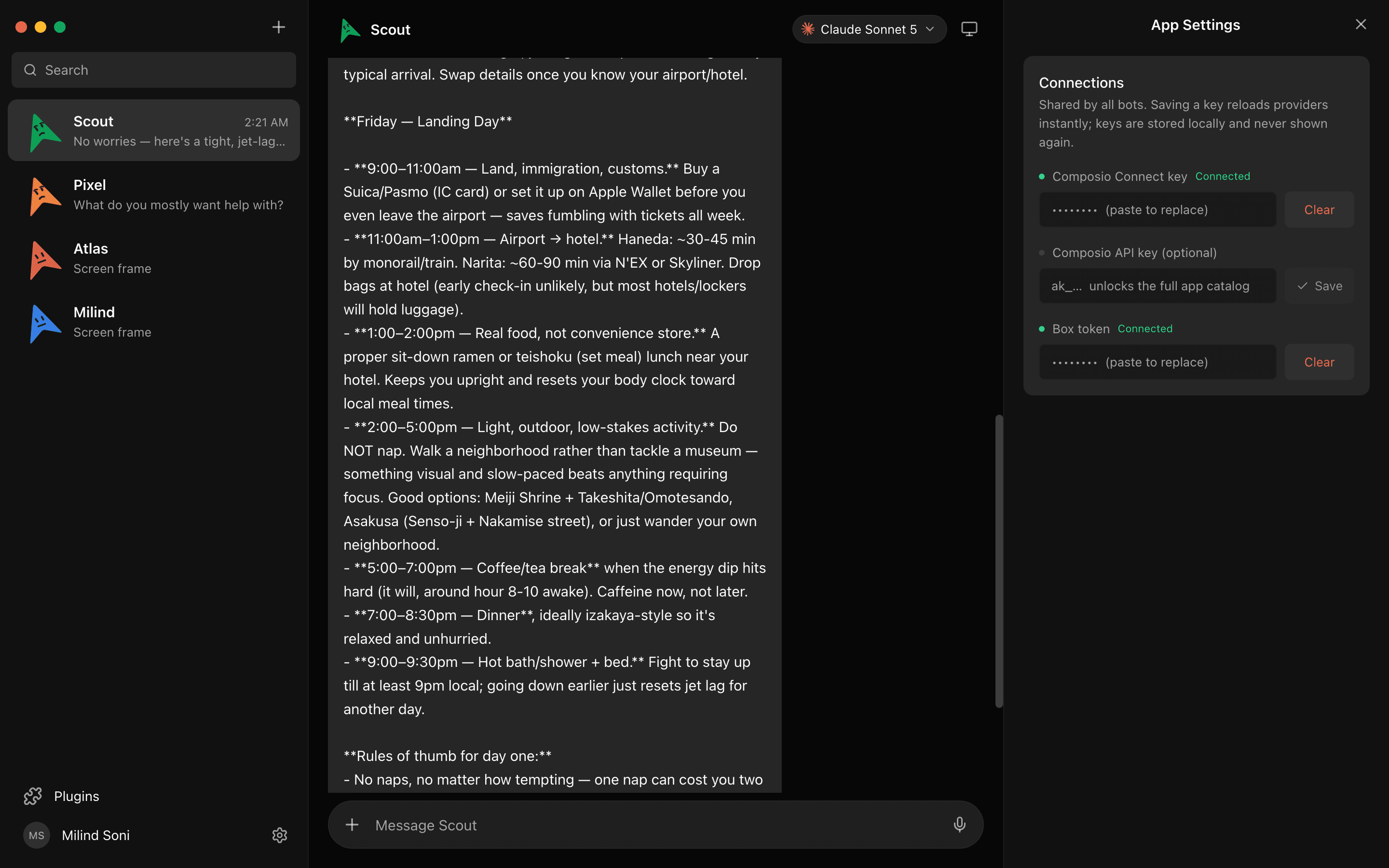
3. Paste keys once, if you use them
If you would rather drive a provider with an API key than a CLI login, paste it in settings and the provider fleet hot-reloads — no restart. Secrets are write-only, so the interface never reads them back after you save them.
4. Give each bot a brain
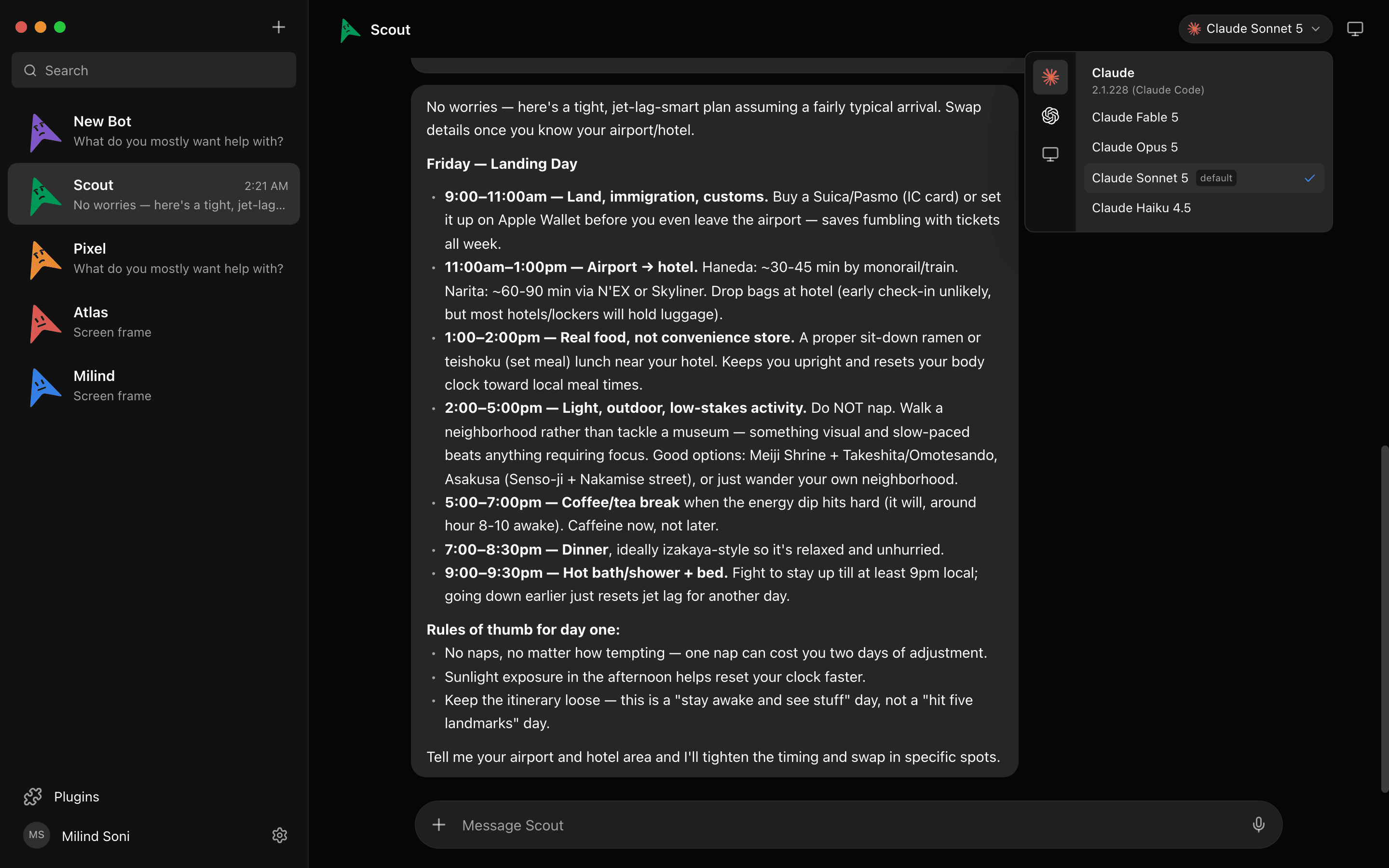
Open the model picker on a bot and choose. Claude and Codex models sit side by side in a provider rail, so the choice is one click rather than a config file. You can switch a bot's model mid-conversation without starting the thread over.
How to actually divide the work
Having both available only pays off if you give them different jobs. Patterns that hold up:
- One bot per repository. The simplest split, and the one least likely to have two agents editing the same file. Each bot keeps its own context on its own codebase.
- One bot per stage. One drafts, another reviews. Two models disagreeing about the same diff is more useful than one model agreeing with itself.
- One bot per surface. A code bot on Codex, a writing-and-research bot on Claude, an ops bot wired to Slack and Linear through connected apps.
- A long-running bot and a fast one. Give the slow migration its own thread and stop letting it block the two-minute question you actually need answered.
Getting them to work together
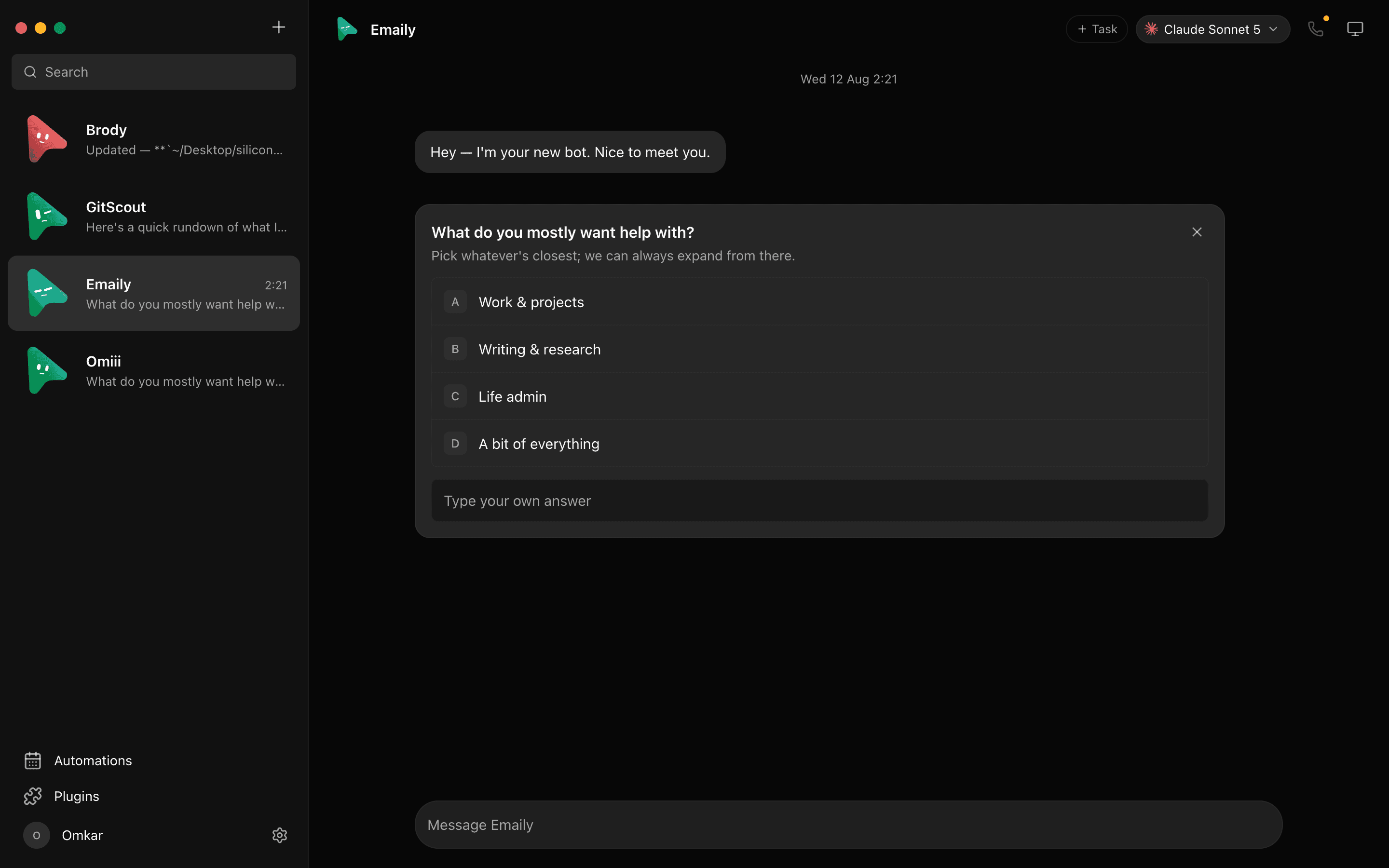
Once each bot is a contact, putting them in a room together is the obvious next step. In a group chat, one bot answers by default, or everyone does, or only the ones you @mention. Bots can ask each other questions and hand off work, and a peer-comms approval card lets you decide who is allowed to talk to whom.
That is where running two models stops being a filing convenience and starts being useful: a Codex bot writes the patch, a Claude bot reads it, and you arbitrate.
Keeping control of what they run
Two agents with shell access is exactly twice the reason to want approvals. Shell commands, file edits, and questions all surface as cards in the chat — allow, deny, or answer. The behaviour is identical whether the bot is working on a cloud desktop or on your own machine.
Transcripts, keys, and events stay in ~/.openmausbot on your own disk. Nothing leaves unless you send it.
Frequently asked questions
- Do I need both subscriptions?
- No. Any one of the claude, codex, or grok CLIs is enough to start. Providers you have not configured are shown dimmed, with the reason, rather than hidden.
- Does this proxy my requests through your servers?
- No. The harness runs on
127.0.0.1and spawns the CLIs already installed on your machine. Requests go from those CLIs to your providers, exactly as they would in a terminal. There is no server in the middle, because the project does not run one. - Does it use my subscription or an API key?
- Whichever the CLI itself uses. If you are logged into claude or codex with a subscription, the bots inherit that login. If you would rather use API keys, paste them in settings and the provider fleet hot-reloads.
- Can two bots work on the same repository at once?
- Yes, and it is worth thinking about before you do. Two agents editing the same files at the same time collide the same way two people would. Give them separate areas, or separate checkouts, and use the approval cards to keep an eye on writes.
- Is it free?
- Yes. OpenMausBot is MIT licensed with no paid tier. You keep paying your model providers directly, at what you already pay them.
Get started
Download OpenMausBot, point it at the CLIs you already have, and give two bots two different models. If you want the wider picture first, read the introduction to OpenMausBot or the Grok Bot comparison. The source is on GitHub under MIT.